
U-ETDS
U-ETDS-Integrated Freight Software
U-ETDS notification isn't a separate step in Seferi. Turn on automatic filing once, and the notification goes out on its own the moment the trip details are entered.
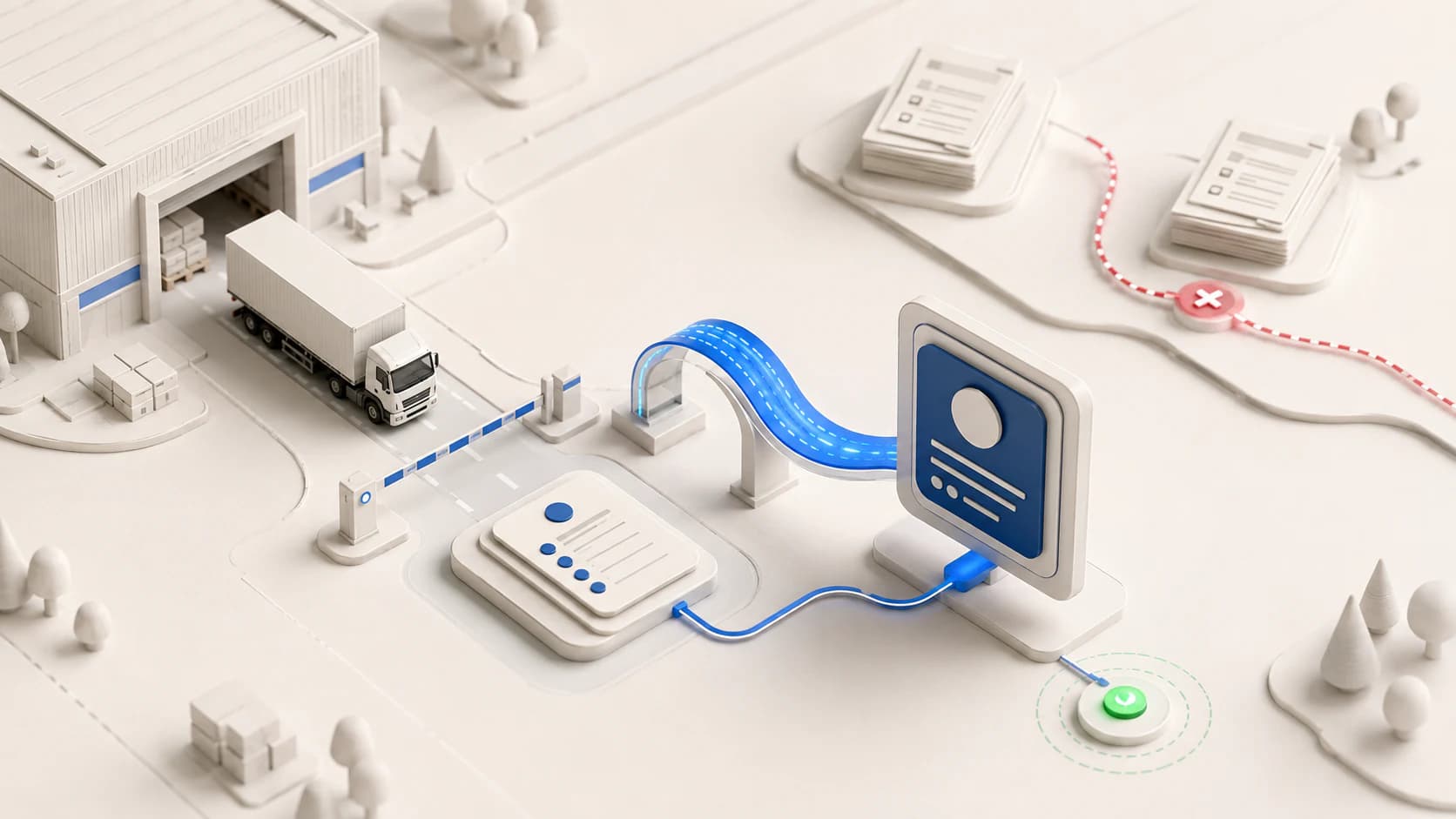
U-ETDS is the mandatory notification that companies carrying goods by road for a fee must file with the Ministry of Transport and Infrastructure for every trip. It has to be filed before the trip starts; a record sent afterwards does not rescue that trip.
Most companies file this by hand through e-Devlet: trip data lives in one place, U-ETDS data in another. Once the two records drift apart, one gets updated and the other forgotten — most missing notifications are born from exactly that split.
U-ETDS in Seferi
Enter the trip; the filing sends itself.
- You
Turn it on once
Switch on automatic filing once; you don't have to enable it for every trip.
- You + Seferi
Seferi reads the load, you confirm
When the request comes by email, dimensions, weight and addresses are taken from it and a vehicle is suggested; no retyping.
- Seferi
It files itself
The moment the details are complete, the filing goes to the Ministry — no logging into e-Devlet.
- Seferi
You see any rejection
If a filing is rejected, it shows on the trip's screen instead of disappearing quietly.
Manual filing versus Seferi
Read the table row by row: the left column is what most companies do today, the right is what changes once it's tied to the trip record.
| Step | Manual (e-Devlet) | Tied to the trip record |
|---|---|---|
| Data entry | Trip data in one place, U-ETDS data entered separately on e-Devlet | The notification is generated from the same data once the trip details are entered |
| Timing | Easy to forget on a busy day; once late, there's no undoing it | Goes out as soon as the details are complete, not dependent on a separate reminder |
| Consistency | Two separate records can drift apart over time | Both come from a single record, so drift can't happen |
| Tracking rejections | A rejected notification can go unnoticed | Rejected status stays visible on the trip record itself |
Which authorisation certificates carry the duty?
The duty follows the authorisation certificate, not who owns the vehicle. The certificate holder undertaking the transport files the notification — even if a subcontracted vehicle's plate isn't yours, if the transport runs under your certificate, you open the trip record.
What this page doesn't cover
Worth drawing the line up front — content written for the wrong audience serves no one.
- Passenger transport notifications are out of scope — this page and Seferi target freight only.
- A notification can't be backdated; it has to be sent before the trip starts.
- Fines and warning-point thresholds change every year — we don't quote figures here; confirm current ones with the Ministry of Transport and Infrastructure before you act.
Is U-ETDS a separate product, or automation?
Most competitors sell U-ETDS as a single-purpose add-on: get another program, file from there. Seferi's angle is different — U-ETDS isn't a separate product, it's the automatic result of the trip details you already entered.
In practice that means you enter trip data once, and the notification derives from that same record on its own. No second screen, no second data entry, no second chance to forget.
Related articles
How to File a U-ETDS Freight Declaration, Step by Step
The declaration has to be filed before the carriage starts, and the Ministry allows a web service to send it so nobody has to open the e-Devlet portal.
How Much Is the U-ETDS Penalty? Warning Points [2026]
The sanction is not a flat fine but a warning point balance sitting on your authorisation certificate, and a clean three-month period removes part of it.
U-ETDS Record Rejected: Causes and How to Fix It
If the system rejects the record, the trip was never declared — and a carrier that never reads the response only finds out at an inspection.
Frequently asked questions
- Who is required to file the U-ETDS notification?
- It's a duty tied to the authorisation certificate, not vehicle ownership. Holders of K1, K3, C2, C3, L1, L2, N1, N2 and R1 certificates file a notification for every paid transport performed under their certificate. Even if a subcontracted vehicle's plate isn't yours, if the transport runs under your certificate, you open the trip record.
- When does the notification have to be filed?
- Before the trip starts. A record sent afterwards does not rescue that trip — the system expects the notification ahead of the transport, not after it.
- Does Seferi send the notification automatically?
- Yes. You turn on automatic filing once; from then on, the notification goes out on its own the moment the details it needs are entered for each trip. You don't switch to a second screen and re-enter the same data — its content is derived from the trip record's own data.
- What happens if a notification is rejected?
- Rejections usually surface quietly and are hard to notice in a manually tracked setup. We covered rejection reasons and how to catch them in a separate article.
- Does this cover passenger transport too?
- No. This page and Seferi target paid freight transport only; passenger transport notifications follow a different process and are out of scope.
See it with your own trip
The notification goes out on its own the moment the trip details are entered — no second screen, no second data entry, no second chance to forget.
Start Free