
03
Comparison
Three carriers side by side: rate, transit time, payment term, insurance limit. The comparable total and the best column are formulas.
Excel template
An Excel file that puts three carrier quotes side by side and brings them onto the same basis. Not the headline rate — the comparable total. Download without signing up.
No sign-up, no email. The file downloads directly.
The same list, two ways of working.
seferi-quote-comparison.xlsx
.xlsxColumns with a blue header are formulas; they fill themselves. Rows arrive empty.
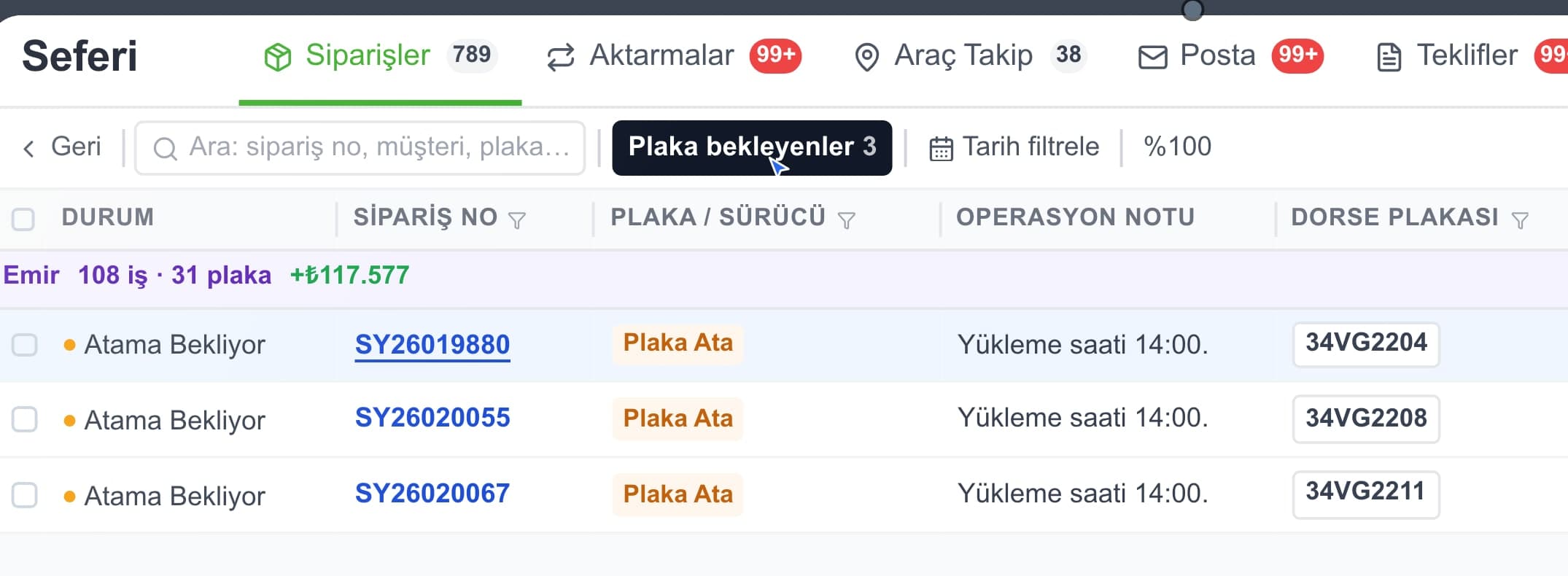
The same list — pending and soon-to-expire are flagged.
No need to recreate the quotes one by one.
This job in Seferi
From the product film · narrated in Turkish, with captions
Enter three quotes, mark twelve items, and the comparable total works itself out.
Three carriers side by side: rate, transit time, payment term, insurance limit. The comparable total and the best column are formulas.
Write your own estimated cost for each of the twelve items, then mark Y or N for whether each carrier includes it.
The filling order, where each formula pulls from, and why the lowest total is not the decision on its own.
The first group is the sheet's own columns; the rest are the rows being compared. Transit time and payment terms sit in the table alongside price — when the price gap narrows, that is where the decision is made.
Sheet columns
The quote itself
What levels them
Beyond price
The twelve items are the same as the included/excluded section of our freight quote form: waiting time, extra stops, empty running, insurance, tolls and the rest. You ask with the form and compare with the table.
You have seen the columns. The file itself is one click away — no sign-up, no email.
For comparing three quotes Excel is more than enough; the template exists to make that easier.
The limit starts the moment a quote is accepted. The price you picked and the invoice that arrives after the trip have to match; every gap becomes reconciliation work. The table is a snapshot of a decision, and checking it against the invoice happens in a different file.
The second is repetition. Collecting quotes for the same lane a third time means opening old files to recall the prices. The table does not accumulate which carrier is better on which route.
The third is what actually happened. The table holds what a carrier promised, not what it delivered. The transit days you typed never sit next to the days it actually took.
Freight cost is not the price quoted to the shipper; it is the sum of the ten cost items a carrier covers to make a trip happen.
02What breaks a freight rate is not the formula but the items that never reach the quote: the empty return leg and the tolls along the route.
03What AI does in a freight quote is not setting the price but turning a free-text enquiry into a structured trip request.
Profit per trip, cost per kilometre and the empty-kilometre ratio, formulas included.
Shift hours, shifts that run past midnight and the total per driver.
Which load is on which vehicle, the fill rate, shipment status, and dispatches with no vehicle yet.
The quote document you send a customer — it also asks what the price includes.
What people ask most before downloading.
The quote form is the document you SEND to a customer — Word, because it has to carry your letterhead and a signature. This table is where you put the quotes you RECEIVE side by side, and it is Excel because it does arithmetic. They work together: you ask about the included/excluded items with the form, then record the answers in this table.
Because the quotes do not contain the same things. An illustrative example: carrier A quotes 25,000 but excludes waiting time and tolls; carrier B quotes 27,000 with everything included. Looking at the headline, A seems cheaper. If waiting comes to 2,500 and tolls to 2,200, A really costs 29,700 and B moves ahead. The table does that arithmetic with the figures you enter; the file itself carries none.
From your own operation. Waiting-hour charges, handling and insurance vary by company, lane and cargo; a figure baked into the file would read as a market rate and produce a false comparison. Leave an item blank if you do not know it — it counts as zero rather than inventing an assumption.
No, and the table deliberately makes that harder to assume. Transit time, payment term and insurance limit sit right under the price. When the price gap is small the decision usually lives there: a carrier that delivers two days earlier, or gives thirty days to pay, can be worth a few hundred more.
The file ships set up for three carriers. For a fourth, copy the last carrier column to the right on both sheets; the formulas are written column-relative so they follow. Remember to widen the range in the "best" formula on the Comparison sheet as well.
No. We do not ask for an email and there is no form. The file downloads as soon as you click.
Calculators, Excel templates and reference tables in one place.
All free resourcesIn Seferi the quote, the trip and the invoice move on one record. The price you agreed and the amount the trip produces are compared on the same screen.